

build 7bbbddf7 | content blog-content@c8490fa · 338 posts | profiles 20 · corpus 267 | 0 skipped | | format
apiVersion: soultec.ch/v1kind: Postmetadata: name: announcing-end-of-support-life-for-vsphere-7-0 locale: en labels: author: daniel-stadelmann capability/virtualization: 1.37 vendor/vmware: 0.88 annotations: source: blog-content/posts/en/announcing-end-of-support-life-for-vsphere-7-0.md route: /en/insights/announcing-end-of-support-life-for-vsphere-7-0/ schema: /nerd/schema/posts.json markdown: /en/insights/announcing-end-of-support-life-for-vsphere-7-0.mdspec: title: "vSphere 7 retires: end of support in October 2025" date: 2025-06-05 author: daniel-stadelmann locale: en summary: >- It is now definitely time to say goodbye to vSphere 7. Security updates and support end on 2 October 2025. capabilities: [virtualization] vendors: [vmware] hero: /blog-assets/announcing-end-of-support-life-for-vsphere-7-0/hero.webp migrated: 2026-08-24 translationReviewed: false draft: false sections: - body: | It is now definitely time to say goodbye to vSphere 7. Security updates and support end on 2 October 2025. If you are still running vSphere 7, this is the moment to start planning the upgrade. The important part is not to start patching straight away. It needs planning, and that includes confirming that the CPUs in your ESX hosts support vSphere 8. The [following KB](https://knowledge.broadcom.com/external/article/381824/checking-vmware-esxi-host-compatibility.html) describes how. The direct link to the Compatibility Guide is [here](https://compatibilityguide.broadcom.com/search?program=server&persona=live&column=partnerName&order=asc). You also have to check whether the systems around it are ready for vSphere 8. That includes your backup software, your monitoring solution, VDI and so on. We are happy to help you plan and run the upgrade. Please [get in touch](https://soultec.ch/contact-us/) soon.status: corpus: 267 alsoLike: - {ref: posts/hpe-vm-essentials-part-2, score: 1.00} - {ref: posts/hpe-vm-essentials-part1, score: 1.00} - {ref: solutions/vmware/vsphere-foundation, score: 0.59}
{ "apiVersion": "soultec.ch/v1", "kind": "Post", "metadata": { "name": "announcing-end-of-support-life-for-vsphere-7-0", "locale": "en", "labels": { "author": "daniel-stadelmann", "capability/virtualization": "1.37", "vendor/vmware": "0.88" }, "annotations": { "source": "blog-content/posts/en/announcing-end-of-support-life-for-vsphere-7-0.md", "route": "/en/insights/announcing-end-of-support-life-for-vsphere-7-0/", "schema": "/nerd/schema/posts.json", "markdown": "/en/insights/announcing-end-of-support-life-for-vsphere-7-0.md" } }, "spec": { "title": "vSphere 7 retires: end of support in October 2025", "date": "2025-06-05", "author": "daniel-stadelmann", "locale": "en", "summary": "It is now definitely time to say goodbye to vSphere 7. Security updates and support end on 2 October 2025.", "capabilities": [ "virtualization" ], "vendors": [ "vmware" ], "hero": "/blog-assets/announcing-end-of-support-life-for-vsphere-7-0/hero.webp", "migrated": "2026-08-24", "translationReviewed": false, "draft": false }, "sections": [ { "body": "It is now definitely time to say goodbye to vSphere 7. Security updates and support end on 2 October 2025. If you are still running vSphere 7, this is the moment to start planning the upgrade. The important part is not to start patching straight away. It needs planning, and that includes confirming that the CPUs in your ESX hosts support vSphere 8. The [following KB](https://knowledge.broadcom.com/external/article/381824/checking-vmware-esxi-host-compatibility.html) describes how. The direct link to the Compatibility Guide is [here](https://compatibilityguide.broadcom.com/search?program=server&persona=live&column=partnerName&order=asc).\n\nYou also have to check whether the systems around it are ready for vSphere 8. That includes your backup software, your monitoring solution, VDI and so on.\n\nWe are happy to help you plan and run the upgrade. Please [get in touch](https://soultec.ch/contact-us/) soon." } ], "status": { "corpus": 267, "alsoLike": [ { "ref": "posts/hpe-vm-essentials-part-2", "score": "1.00" }, { "ref": "posts/hpe-vm-essentials-part1", "score": "1.00" }, { "ref": "solutions/vmware/vsphere-foundation", "score": "0.59" } ] }}
apiVersion = "soultec.ch/v1"kind = "Post"[metadata]name = "announcing-end-of-support-life-for-vsphere-7-0"locale = "en"[metadata.labels]author = "daniel-stadelmann""capability/virtualization" = "1.37""vendor/vmware" = "0.88"[metadata.annotations]source = "blog-content/posts/en/announcing-end-of-support-life-for-vsphere-7-0.md"route = "/en/insights/announcing-end-of-support-life-for-vsphere-7-0/"schema = "/nerd/schema/posts.json"markdown = "/en/insights/announcing-end-of-support-life-for-vsphere-7-0.md"[spec]title = "vSphere 7 retires: end of support in October 2025"date = 2025-06-05author = "daniel-stadelmann"locale = "en"summary = "It is now definitely time to say goodbye to vSphere 7. Security updates and support end on 2 October 2025."capabilities = ["virtualization"]vendors = ["vmware"]hero = "/blog-assets/announcing-end-of-support-life-for-vsphere-7-0/hero.webp"migrated = 2026-08-24translationReviewed = falsedraft = false[[sections]]body = '''It is now definitely time to say goodbye to vSphere 7. Security updates and support end on 2 October 2025. If you are still running vSphere 7, this is the moment to start planning the upgrade. The important part is not to start patching straight away. It needs planning, and that includes confirming that the CPUs in your ESX hosts support vSphere 8. The [following KB](https://knowledge.broadcom.com/external/article/381824/checking-vmware-esxi-host-compatibility.html) describes how. The direct link to the Compatibility Guide is [here](https://compatibilityguide.broadcom.com/search?program=server&persona=live&column=partnerName&order=asc).You also have to check whether the systems around it are ready for vSphere 8. That includes your backup software, your monitoring solution, VDI and so on.We are happy to help you plan and run the upgrade. Please [get in touch](https://soultec.ch/contact-us/) soon.'''[status]corpus = 267[[status.alsoLike]]ref = "posts/hpe-vm-essentials-part-2"score = "1.00"[[status.alsoLike]]ref = "posts/hpe-vm-essentials-part1"score = "1.00"[[status.alsoLike]]ref = "solutions/vmware/vsphere-foundation"score = "0.59"
<?xml version="1.0" encoding="UTF-8"?><manifest kind="Post"> <apiVersion>soultec.ch/v1</apiVersion> <metadata> <name>announcing-end-of-support-life-for-vsphere-7-0</name> <locale>en</locale> <labels> <author>daniel-stadelmann</author> <entry key="capability/virtualization">1.37</entry> <entry key="vendor/vmware">0.88</entry> </labels> <annotations> <source>blog-content/posts/en/announcing-end-of-support-life-for-vsphere-7-0.md</source> <route>/en/insights/announcing-end-of-support-life-for-vsphere-7-0/</route> <schema>/nerd/schema/posts.json</schema> <markdown>/en/insights/announcing-end-of-support-life-for-vsphere-7-0.md</markdown> </annotations> </metadata> <spec> <title>vSphere 7 retires: end of support in October 2025</title> <date>2025-06-05</date> <author>daniel-stadelmann</author> <locale>en</locale> <summary>It is now definitely time to say goodbye to vSphere 7. Security updates and support end on 2 October 2025.</summary> <capabilities> <item>virtualization</item> </capabilities> <vendors> <item>vmware</item> </vendors> <hero>/blog-assets/announcing-end-of-support-life-for-vsphere-7-0/hero.webp</hero> <migrated>2026-08-24</migrated> <translationReviewed>false</translationReviewed> <draft>false</draft> </spec> <sections> <section> <body>It is now definitely time to say goodbye to vSphere 7. Security updates and support end on 2 October 2025. If you are still running vSphere 7, this is the moment to start planning the upgrade. The important part is not to start patching straight away. It needs planning, and that includes confirming that the CPUs in your ESX hosts support vSphere 8. The [following KB](https://knowledge.broadcom.com/external/article/381824/checking-vmware-esxi-host-compatibility.html) describes how. The direct link to the Compatibility Guide is [here](https://compatibilityguide.broadcom.com/search?program=server&amp;persona=live&amp;column=partnerName&amp;order=asc).You also have to check whether the systems around it are ready for vSphere 8. That includes your backup software, your monitoring solution, VDI and so on.We are happy to help you plan and run the upgrade. Please [get in touch](https://soultec.ch/contact-us/) soon. </body> </section> </sections> <status> <corpus>267</corpus> <alsoLike> <item> <ref>posts/hpe-vm-essentials-part-2</ref> <score>1.00</score> </item> <item> <ref>posts/hpe-vm-essentials-part1</ref> <score>1.00</score> </item> <item> <ref>solutions/vmware/vsphere-foundation</ref> <score>0.59</score> </item> </alsoLike> </status></manifest>
Post · 2025-06-05

vSphere 7 retires: end of support in October 2025

It is now definitely time to say goodbye to vSphere 7. Security updates and support end on 2 October 2025.

2025-06-05Date
Daniel StadelmannAuthor
1Min read
Topics Virtualization 1.37
Vendors VMware 0.88

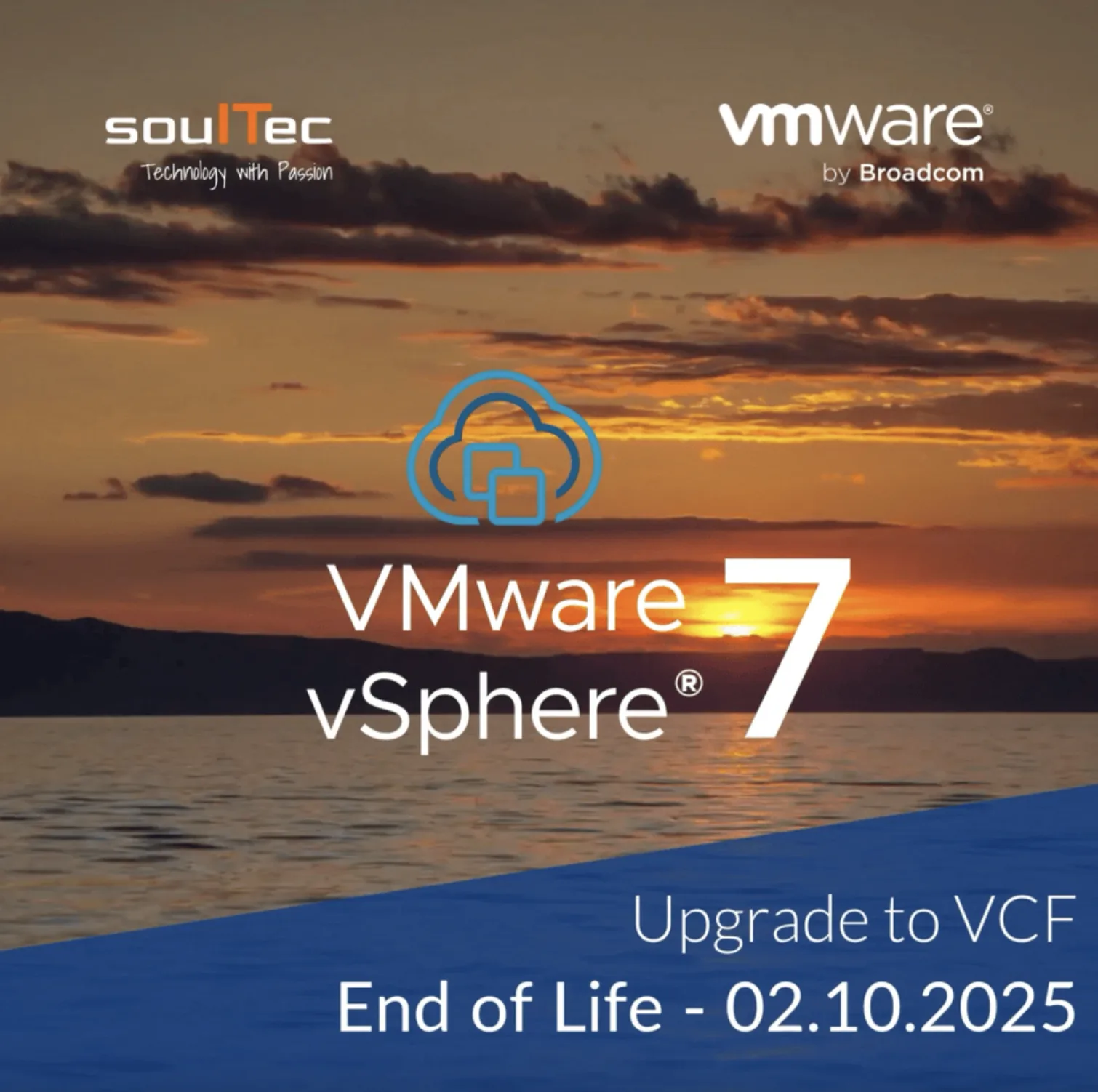
It is now definitely time to say goodbye to vSphere 7. Security updates and support end on 2 October 2025. If you are still running vSphere 7, this is the moment to start planning the upgrade. The important part is not to start patching straight away. It needs planning, and that includes confirming that the CPUs in your ESX hosts support vSphere 8. The following KB describes how. The direct link to the Compatibility Guide is here.

You also have to check whether the systems around it are ready for vSphere 8. That includes your backup software, your monitoring solution, VDI and so on.

We are happy to help you plan and run the upgrade. Please get in touch soon.
You might also like